

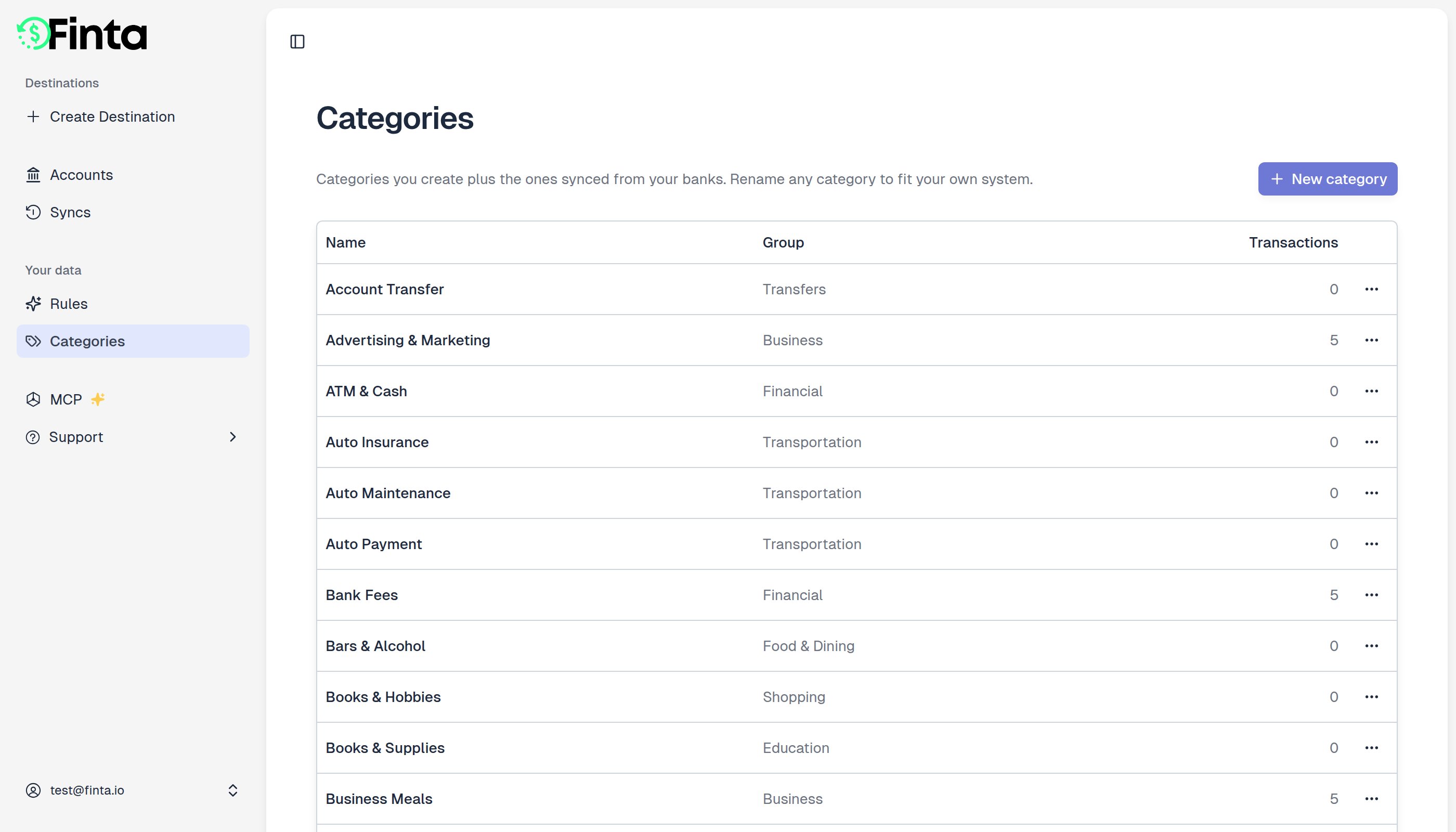
One set of categories, every bank
When you turn on storage mode, Finta creates a starter set of categories, Groceries, Restaurants, Rent, Paycheck, and so on, already sorted into groups like Food & Dining and Housing. Your banks’ own categorization maps onto that same set as transactions sync in, so a checking account at one bank and a credit card at another both file their coffee runs under Coffee & Tea. You get one taxonomy to rename, group, and build charts on, instead of one per bank. A few things sit outside that set:- Bank categories with no good match keep the name your bank gave them, rather than being filed somewhere misleading. They still land in one of your groups, and show up on this page alongside the rest. You can rename and regroup them like any other.
- Mercury manages its own categories and re-sends them on every sync, so Mercury categories are read-only in Finta for now.
- Transactions that arrive with no category at all stay uncategorized until you or a rule sets one.
Create a category
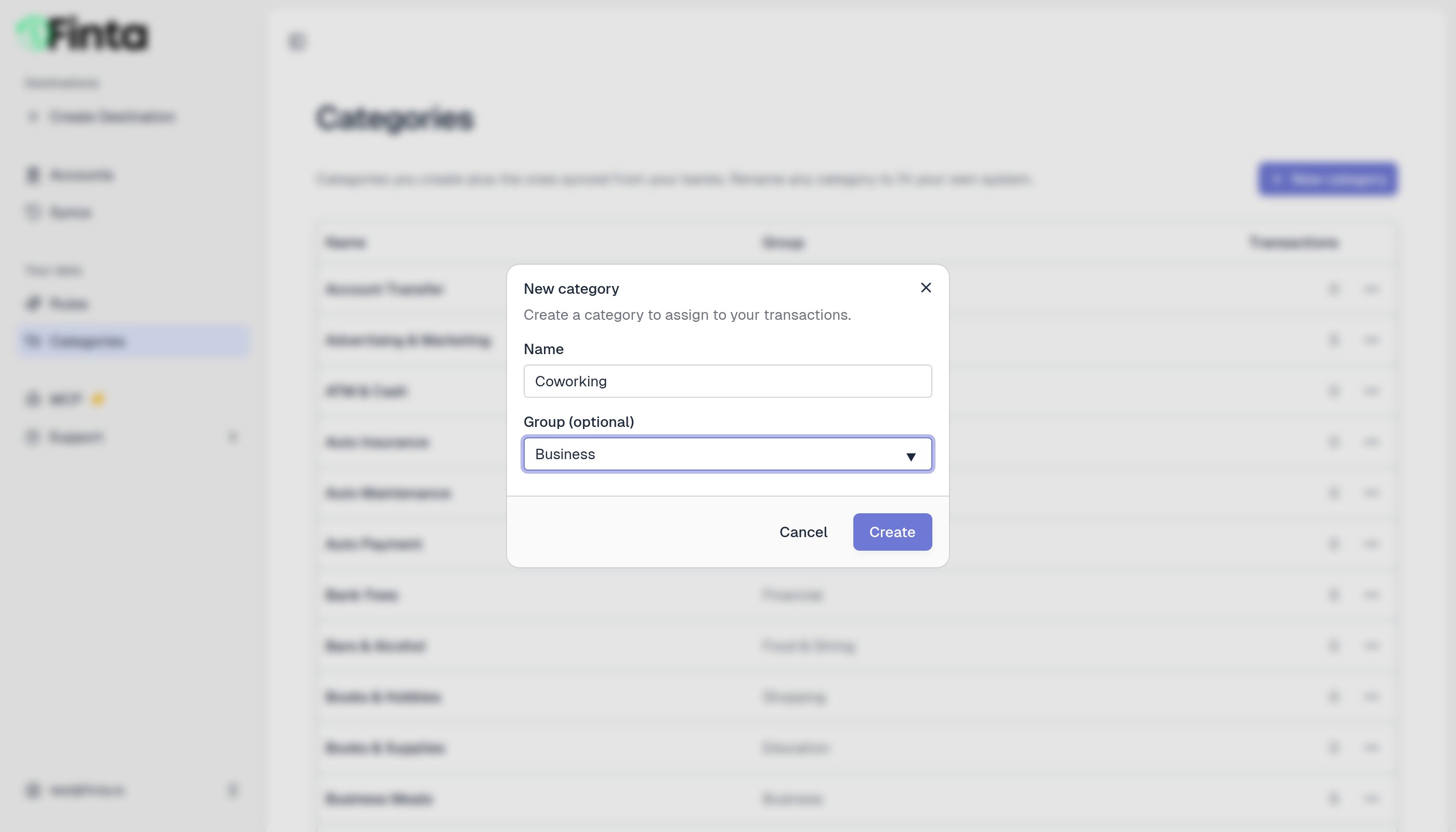
- Go to Your data → Categories and click New category.
- Enter a name. For Group, pick one of your existing groups from the suggestions, or type a new name to create one.
- Click Create.
Groups
A group collects related categories. Groceries, Restaurants, and Coffee & Tea all sit under Food & Dining. Groups are records of their own, not a label copied onto each category. So:- One group per name. Point two categories at the same group and both land in the same one. Capitalization and extra spaces don’t spawn a duplicate. “food & dining” and “Food & Dining” are the same group.
- A rename reaches everything. Rename a group and every category in it comes along; nothing is left behind on the old name.
- Order is yours to set. Each group carries a sort order, so your groups can be listed in an order you choose rather than alphabetically.
- Deleting a group keeps its categories. They simply become ungrouped, and their transactions stay put.
/v2/category-groups.
Over MCP, list_category_groups lists your groups, and create_category and update_category set a category’s group by name, so you can ask your assistant to move a category into a group, or to start a new one, without leaving the chat. Mercury’s categories are the exception here too: they’re read-only, so they can’t be moved.
Rename a category
Open a category’s menu and choose Rename. You can rename the categories Finta created and the ones synced from your bank alike. Mercury’s are the one exception.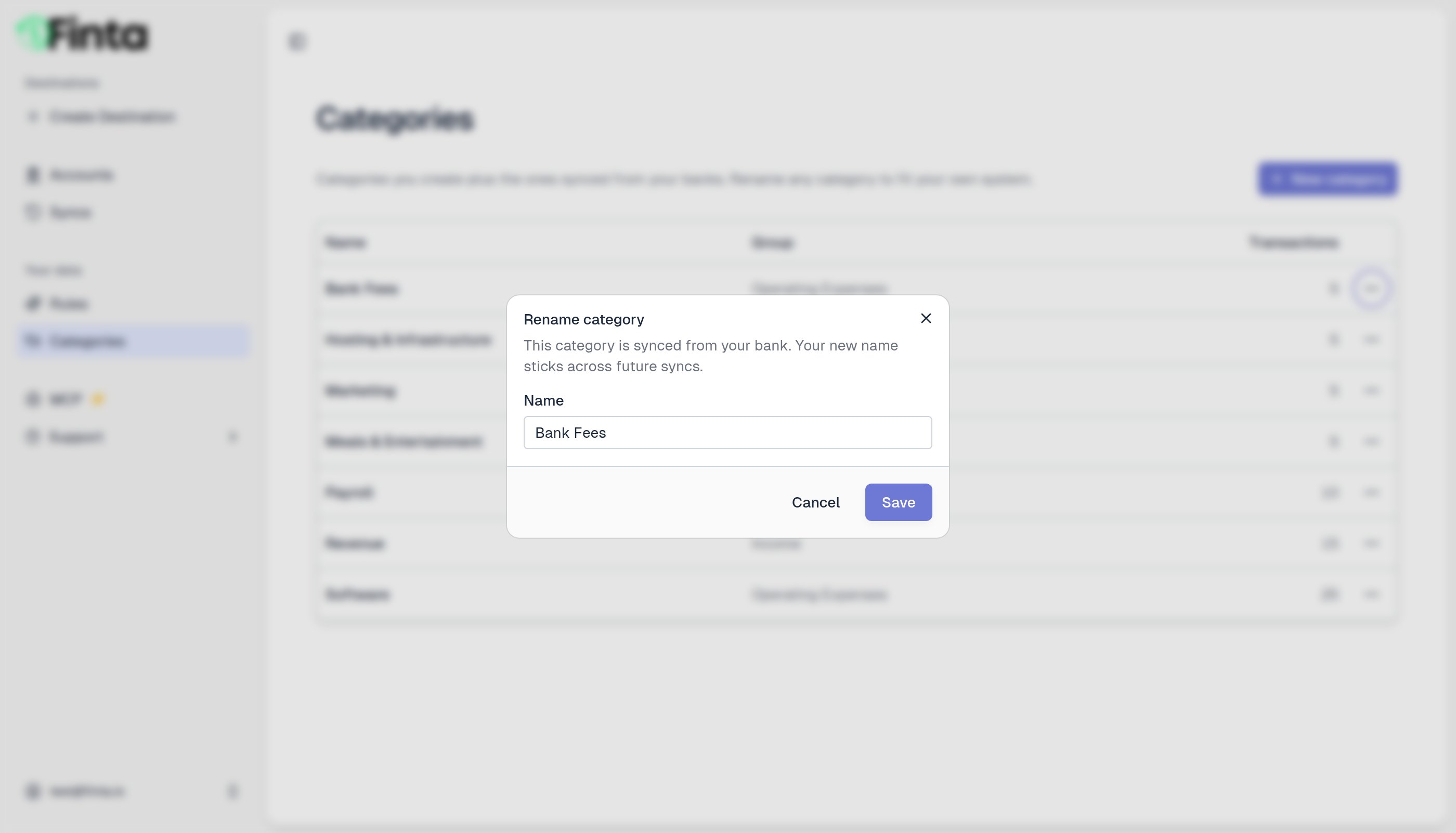
Your edits stick. Renaming a category, or moving it to a different group, survives future syncs. Finta won’t overwrite it with the bank’s original name.
Delete a category
You can delete categories you or Finta created. Open the category’s menu and choose Delete. Any transactions in that category become uncategorized. Categories synced from your bank can’t be deleted, since your bank keeps sending them. You can always rename them instead.How transactions get a category
A transaction’s category can come from three places, in order of precedence:- Your bank, which provides a default category when it’s available. It lands in your set of categories as described above.
- A rule, which can override the bank’s category. See Rules.
- You, by setting it yourself in the app, the API, or the MCP. A category you set by hand always wins, and rules won’t change it.