> ## Documentation Index
> Fetch the complete documentation index at: https://docs.finta.io/llms.txt
> Use this file to discover all available pages before exploring further.
# Manage Destination
> Rename your destination, view settings, and manage your synced data in Finta.
After creating a destination, you can manage it from the destination page in your [Finta dashboard](https://app.finta.io). Click any destination in the sidebar to open its settings.
## Rename a destination
Click the destination name at the top of the page to open the edit dialog.
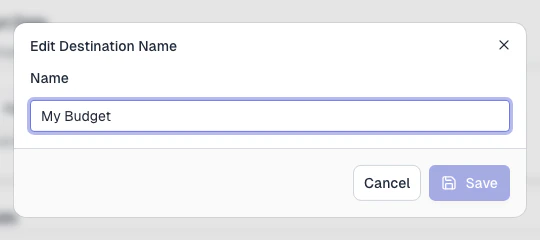 Type a new name and click **Save**. The name updates immediately across the sidebar and page heading.
